No one is actively monitoring it
The website is live, but there is no reliable owner checking its health or handling issues early.
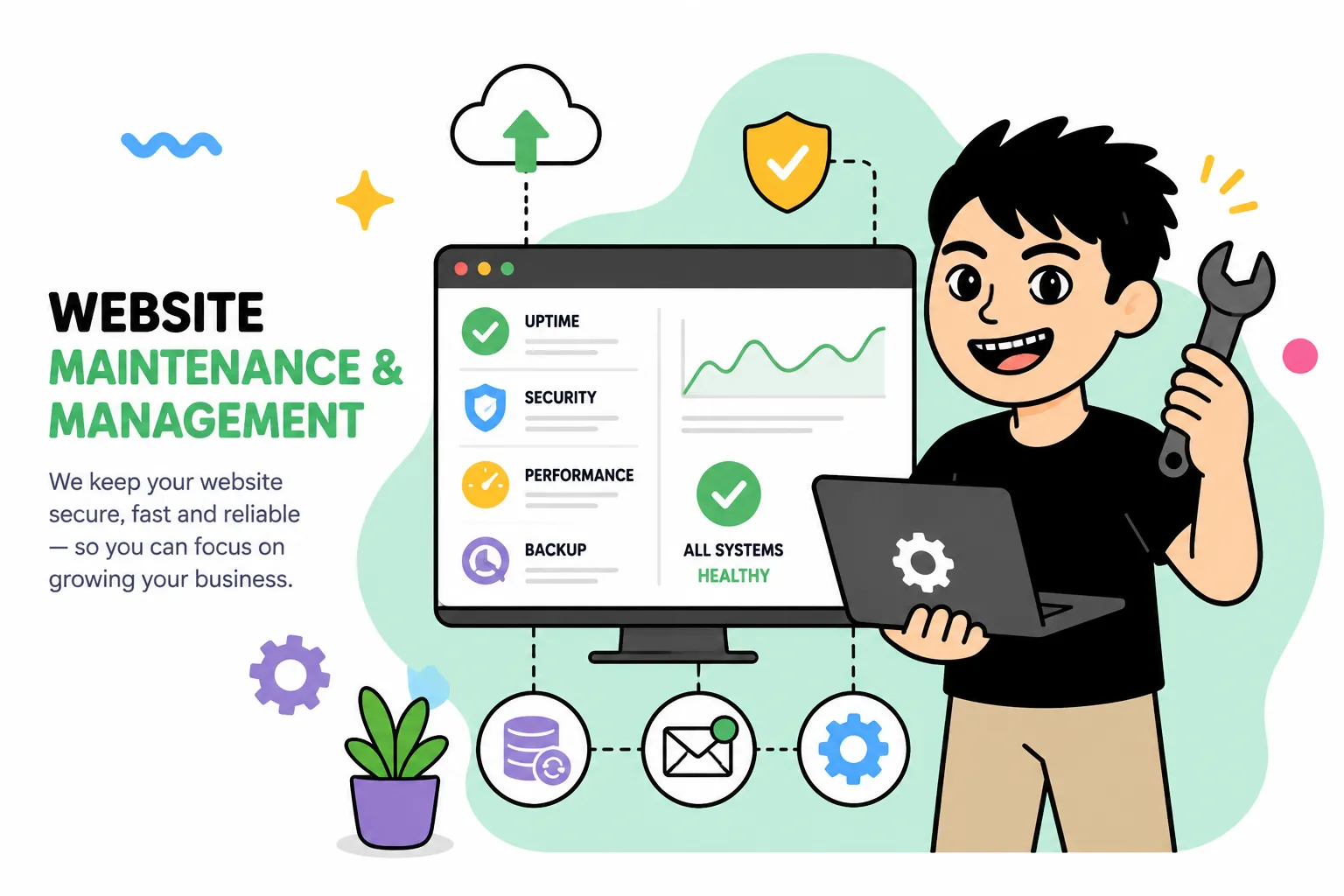
Proactive maintenance, real-time monitoring, expert updates, and performance optimization so your website always works its best.
These are signs that a website is no longer being looked after properly and may be carrying hidden technical risk.
The website is live, but there is no reliable owner checking its health or handling issues early.
Plugin updates, theme changes or small edits can start breaking layout or functionality over time.
Without regular maintenance, small security and backup risks can grow into bigger issues.
Simple changes like updating text, images or sections keep getting delayed because no one is handling them consistently.
When a site feels fragile, even necessary updates are avoided because no one wants to break the live version.
The website still works, but it is not being refined or optimized as business needs keep changing.
Outcomes
Your website stays available and more reliable for the people who are actually using it.
You do not need to worry about every small technical issue yourself.
Regular care helps reduce the chance of larger, more expensive technical problems later.
Small day-to-day updates become easier to handle instead of piling up.
A well-maintained website is much easier to improve, expand or connect to future tools.
 24/7 website monitoring
Ongoing monitoring helps spot unusual signs earlier instead of waiting until problems become obvious.
 Core, plugin and theme updates
Key website components are kept updated so the site does not slowly become outdated over time.
 Daily backups
Regular backups provide a safer fallback whenever recovery becomes necessary.
 Website recovery when incidents happen
Restore the website quickly from backup when errors, data loss or attacks occur.
 Security scans and checks
Security risks are reviewed regularly to reduce the chance of more serious incidents.
 SSL and domain monitoring
SSL and domain expiry dates are tracked so renewals can happen before they interrupt the site.
 Bug fixing
Display issues, functional bugs and other user-facing problems can be fixed as part of ongoing support.
 Routine form and feature checks
Forms, emails and important features are checked regularly to make sure they still work correctly.
 Content updates
Support for text changes, image swaps, section edits and day-to-day content updates when needed.
 Performance optimization
Ongoing tuning helps the website keep better speed and a smoother overall feel over time.
 Database optimization
Cleaning unnecessary data helps the website stay more stable and maintain better performance.
 Technical SEO checks
404 errors, sitemap, robots.txt, Search Console and Core Web Vitals can be reviewed to keep the site search-friendly.
 Monthly reports
Clear recurring reports help you see how the website is being monitored, maintained and improved.
 Technical support
Issues that arise during the maintenance period can be received and handled with more continuity.
Before & after

Delivery process
We first look at the current setup, common issues and what kind of support the website actually needs.
Not every website needs the same level of support, so the scope should match the real operational context.
Ongoing support usually combines technical upkeep with practical day-to-day content changes.
Maintenance becomes more valuable when it includes attention to recurring issues and future improvement points.
The right maintenance scope depends on the site, the stack and how the business actually uses it.
Updates, support, monitoring and improvement work should stay clear enough to be useful, not vague.
Maintenance is not just about reacting to issues, but about keeping the site stable and easier to work with.
The point is to avoid repeatedly searching for a new technical contact every time a small issue appears.
Maintenance works best when support expectations and communication are kept straightforward from the start.
A maintained website becomes a stronger base for future growth, not just a site that happens to still be online.
Case studies
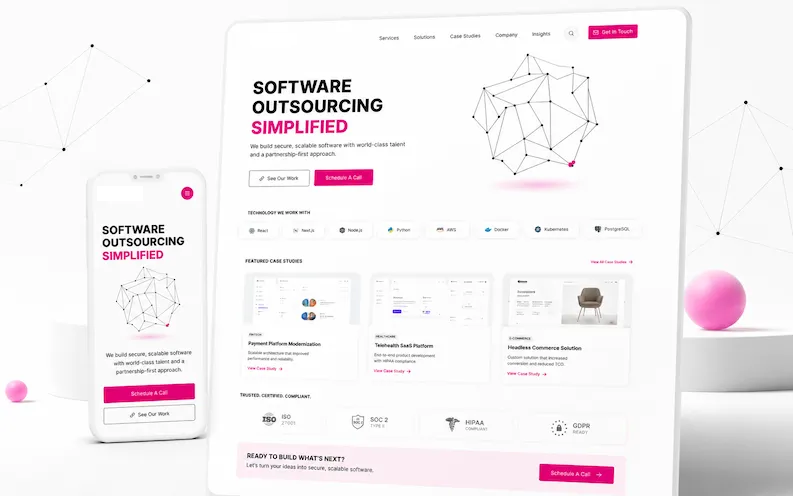
Large service website with multiple pages and long-term content structure.
Open case study (VI)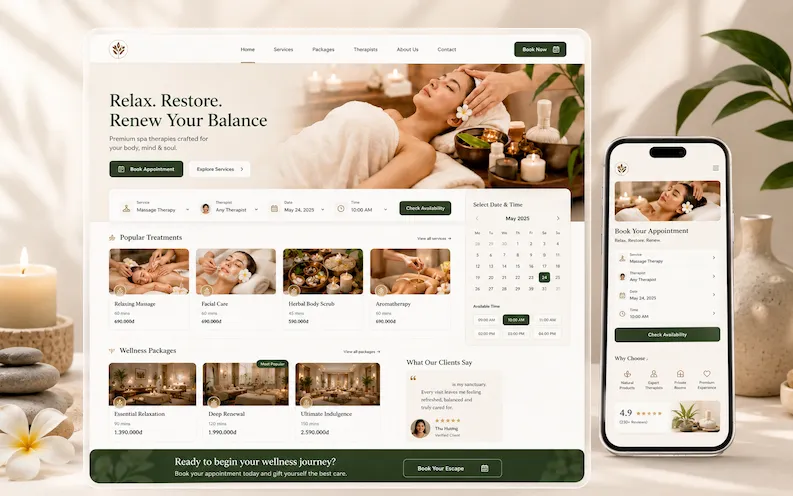
Service website where brand presentation and customer interaction need to stay polished over time.
Open case study (VI)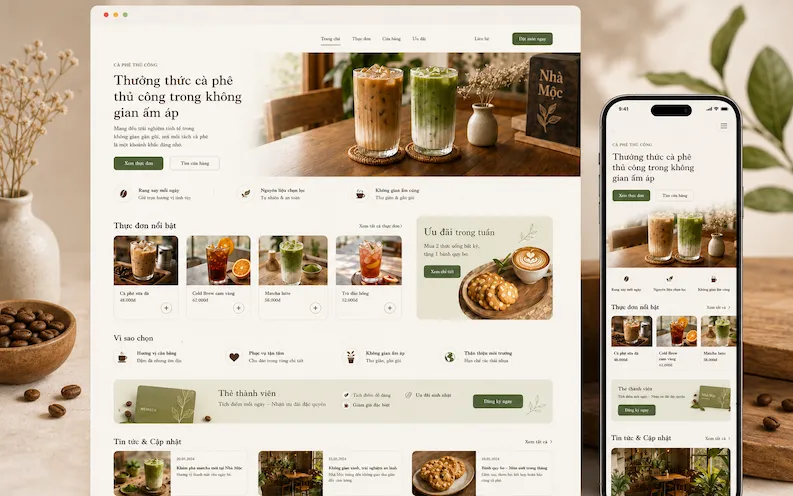
Brand website with menu, promotions and content updates that benefit from ongoing support.
Open case study (VI)FAQ
That depends on the site, but it often includes updates, monitoring, bug fixing, backups and practical support for small changes.
Yes. Maintenance often includes practical edits such as text, images, layout tweaks or small section changes.
Yes. Smaller sites may need a lighter scope, but they still benefit from updates, monitoring and reliable support.
Yes. Ongoing technical familiarity makes future upgrades, integrations or new features much easier to plan and implement.

Contact
If your live website needs regular technical attention, support or updates, I can help define a suitable maintenance approach.