Repeated manual tasks

Too much time is spent on repetitive admin work such as copying data, routing information or updating statuses.
Reduce repetitive manual work by redesigning workflows, connecting tools and adding automation where it creates real operational impact.
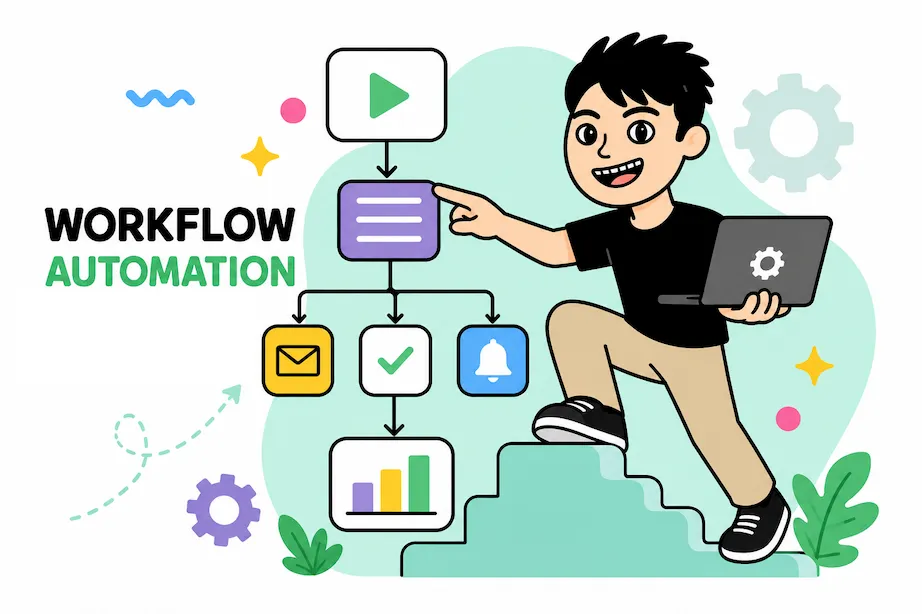
These are some of the most common signals that your current operation relies too heavily on manual handling.
Too much time is spent on repetitive admin work such as copying data, routing information or updating statuses.
Manual operations increase the risk of missed steps, wrong entries and inconsistent follow-up.
What works at a small volume starts to break when requests, customers or internal coordination grow.
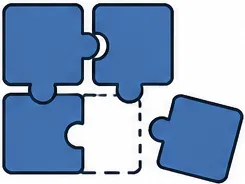
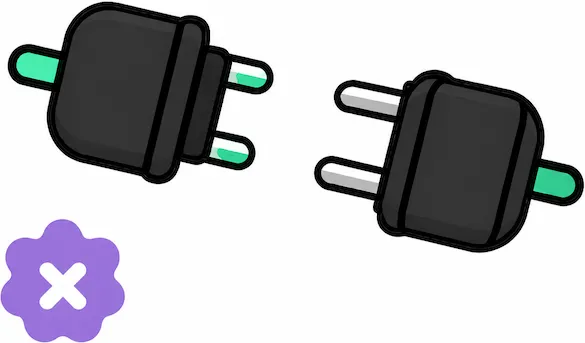
Forms, sheets, chats, CRMs and inboxes exist separately, forcing the same information to be handled more than once.
Without a clear workflow, it becomes difficult to see where things slow down and which steps create the most friction.
Operations often slow down because requests sit in approval loops without visibility or proper follow-through.
Outcome
Teams stop wasting hours on repeated operational tasks and can focus on work with higher value.
As workload grows, the business can handle more without expanding headcount at the same pace.
Well-designed automation follows the same rule every time and makes fewer avoidable errors.
Requests are handled in a clearer and more predictable way instead of depending on who happens to process them.
Once the workflow is structured properly, it becomes much easier to add AI, reporting or deeper integrations later.
Before & after


Development process

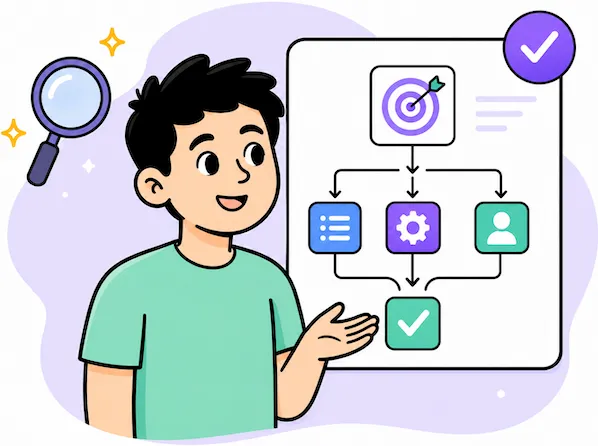
We first identify the real workflow, who touches it, and where time, mistakes or confusion keep happening.
Not everything should be automated at once. The focus is on the steps with the clearest business impact.
The new workflow needs clear triggers, routing logic, approvals and exception handling.
The workflow is implemented, connected and checked against actual usage instead of only demo conditions.
Once the workflow runs live, it can be improved further based on real performance and new operational needs.
I focus on the actual process and bottleneck first, instead of jumping straight into tools or automation hype.
The work is shaped into a realistic first stage so the result stays useful, focused and manageable.
The goal is a workflow that actually runs reliably in practice, not just something that looks neat on paper.
Real improvements often happen after the workflow starts running live, so post-launch follow-through matters.
I aim for predictable delivery instead of vague execution, silent delays or uncontrolled scope drift.
The goal is not just to finish one task, but to build a strong working relationship for future improvements too.
Case studies
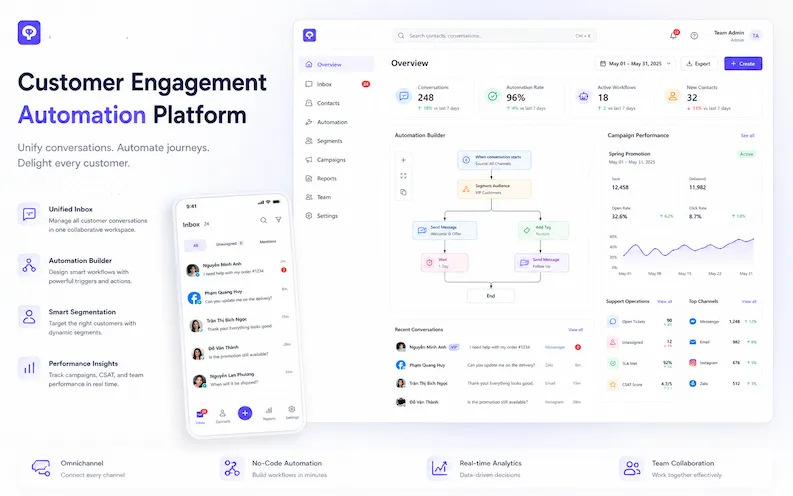
Automation flows, segmentation and campaign operations connected into one system.
Open case study (VI)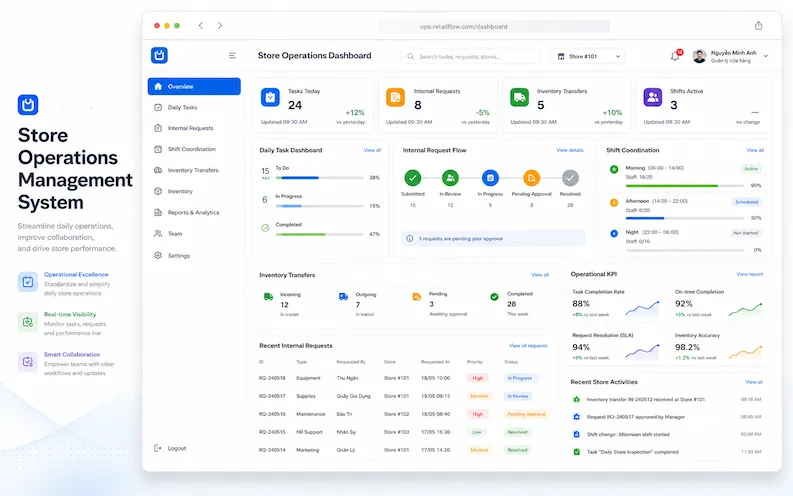
Operational coordination, internal requests and performance tracking for day-to-day workflows.
Open case study (VI)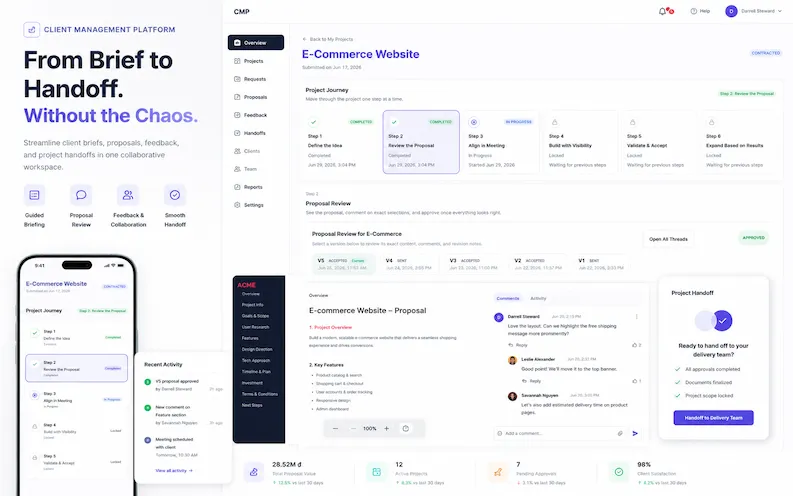
From brief collection to internal handoff, everything is organized into a clearer operational flow.
Open case study (VI)FAQ
No. Part of the job is helping you map the current workflow and identify the first place where improvement creates visible value.
Usually not. I prefer to keep what already works and only connect or improve the parts that actually need change.
No. In many cases, a clearer workflow and better integration already create a strong result. AI should be added only where it truly helps.
Yes. Real operational feedback often reveals the best next improvements after launch.

Contact
If your team is stuck in repetitive operations or disconnected tools, I can help map the right next step.